Only your org and invited staff log in here.
Players, parents, coaches & officials.
We support 30+ sports and keep adding more.

An organization is not one person — it is directors, coaches, team managers and volunteers who each need a different slice of it. Access in Ligue is set by role, so a coach gets their team without getting your payment reports, and a game-day volunteer can score a match without touching a registration.
Invite the people who help you run the season by email and give each one a role. They set up their own account, appear on your staff list, and get exactly the part of the organization you meant to give them — not a shared login that four people know the password to and nobody can revoke.
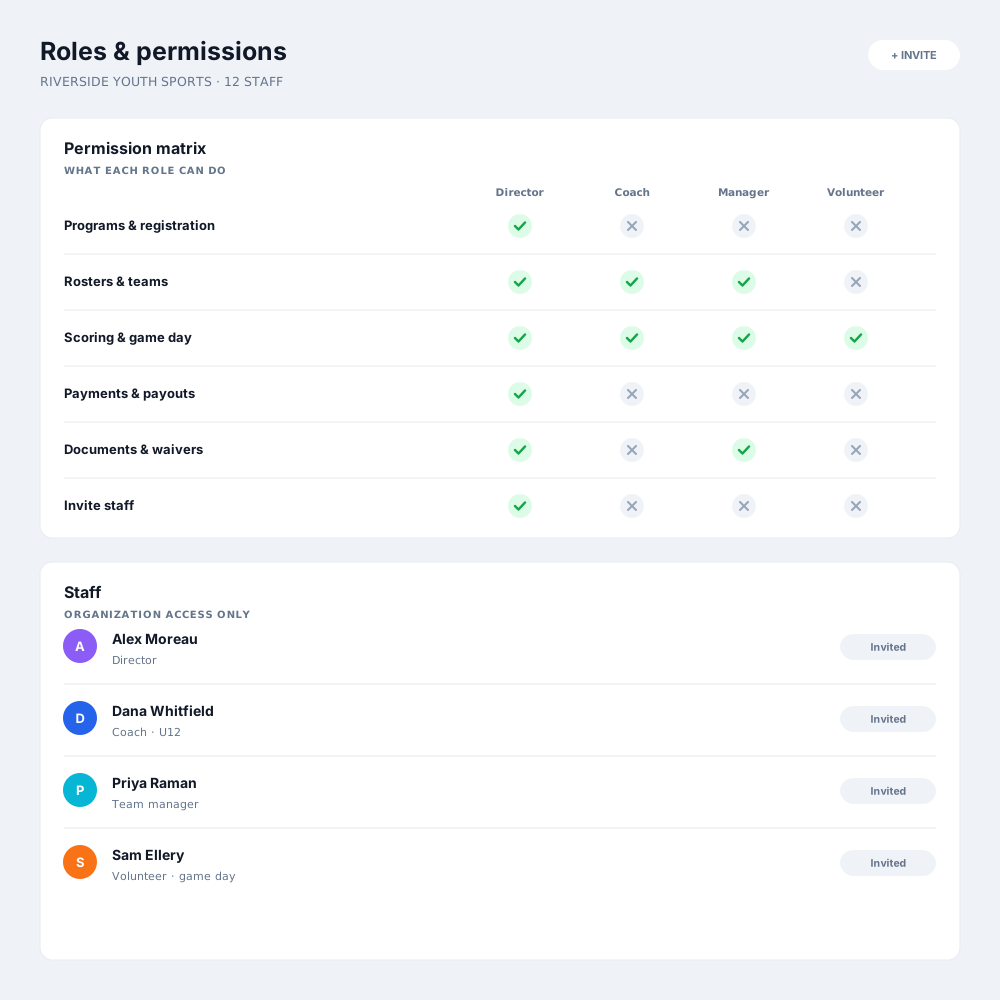
The standard roles cover most organizations, and where they do not, you shape your own. Decide whether a role can edit rosters, take payments, score games, message families or see financial reports — so the structure you already run matches the access people actually have.
Everything stays inside your organization. A person sees your teams, your families and your data only for as long as they hold a role with you, and when they leave, that access goes with them — including the message threads and the contact details they had through it.
Most clubs already have this structure informally. This is what it looks like when the software knows about it.
Full access to programs, registrations, payments and staff — the people accountable for the organization as a whole.
Their own teams: the roster, attendance, the schedule and team communication, without the financial side of the organization.
The logistics role — rosters, documents and family communication for one team, which is usually what actually needs delegating.
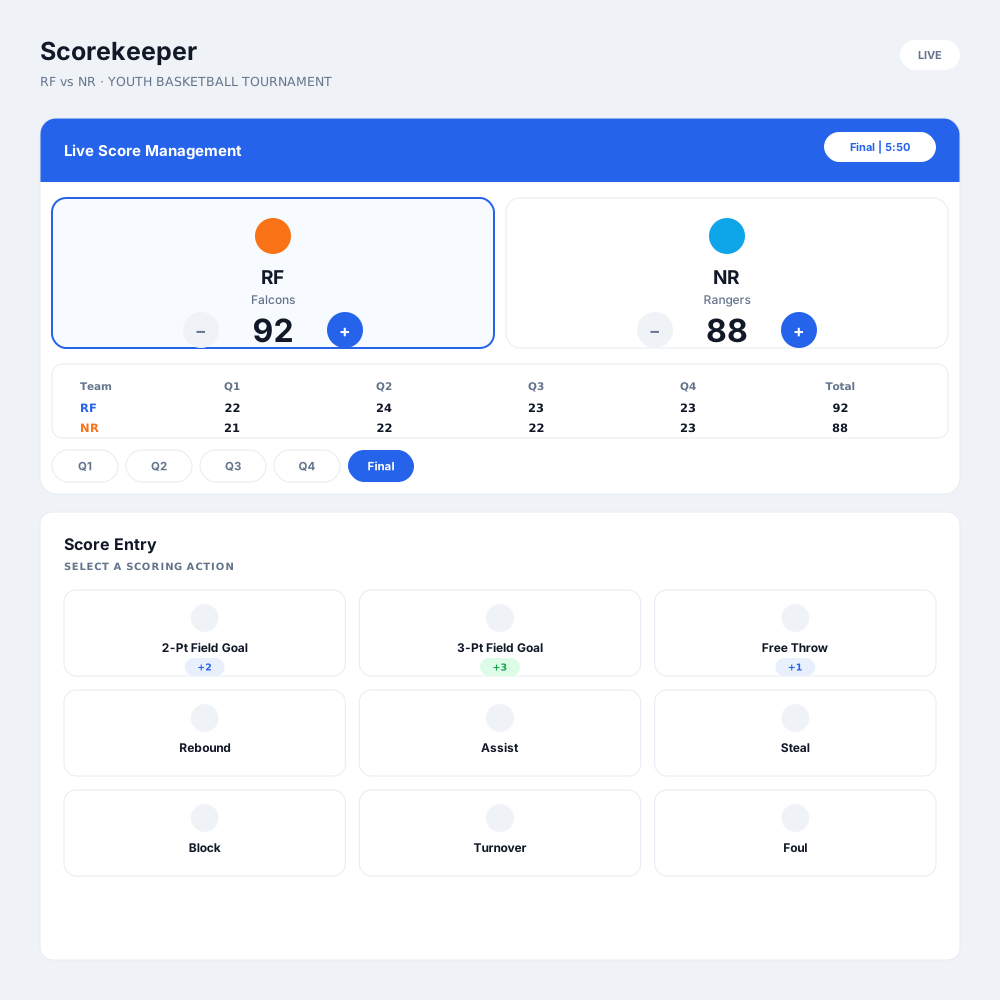
Permission to score a specific game and nothing more, so a parent can run the scoreboard without being given the organization.
Yes. The standard roles cover most organizations, and where your structure is different you can decide per capability — rosters, payments, scoring, messaging, reporting — what a role is allowed to do.
Only if you give them that. By default a coaching role covers their teams — rosters, attendance, schedule and communication — and not the organization’s revenue or payment data.
Invite them by email. They create their own account and appear on your staff list with the role you assigned, which means access can be removed cleanly later.
Their access ends with their role. They no longer see your rosters, your families or the message threads they had through the organization.
Yes — that is the common case. Scorekeeping sits behind its own permission, so a parent can run the scoreboard for one fixture without any access to registrations or payments.
They can. A coach who works with two clubs has one account and separate access in each, and neither organization sees the other’s data.
Register in minutes, or book a walkthrough and we'll tailor it to the way you already run things.