Only your org and invited staff log in here.
Players, parents, coaches & officials.
We support 30+ sports and keep adding more.

The list of who is on which team is read by almost everything else you do, so it has to be right. Add a player, move them to another team, mark a document received — and the coach’s app, the parent’s app, the game sheet and the eligibility check all reflect it at once, so nobody is working from a list that was printed last Tuesday.
Add, move and update players from one screen and see it everywhere immediately. A late registration joins the team the moment you place them, a mid-season transfer moves with their history intact, and there is no second copy of the roster living in a spreadsheet that slowly stops matching reality.
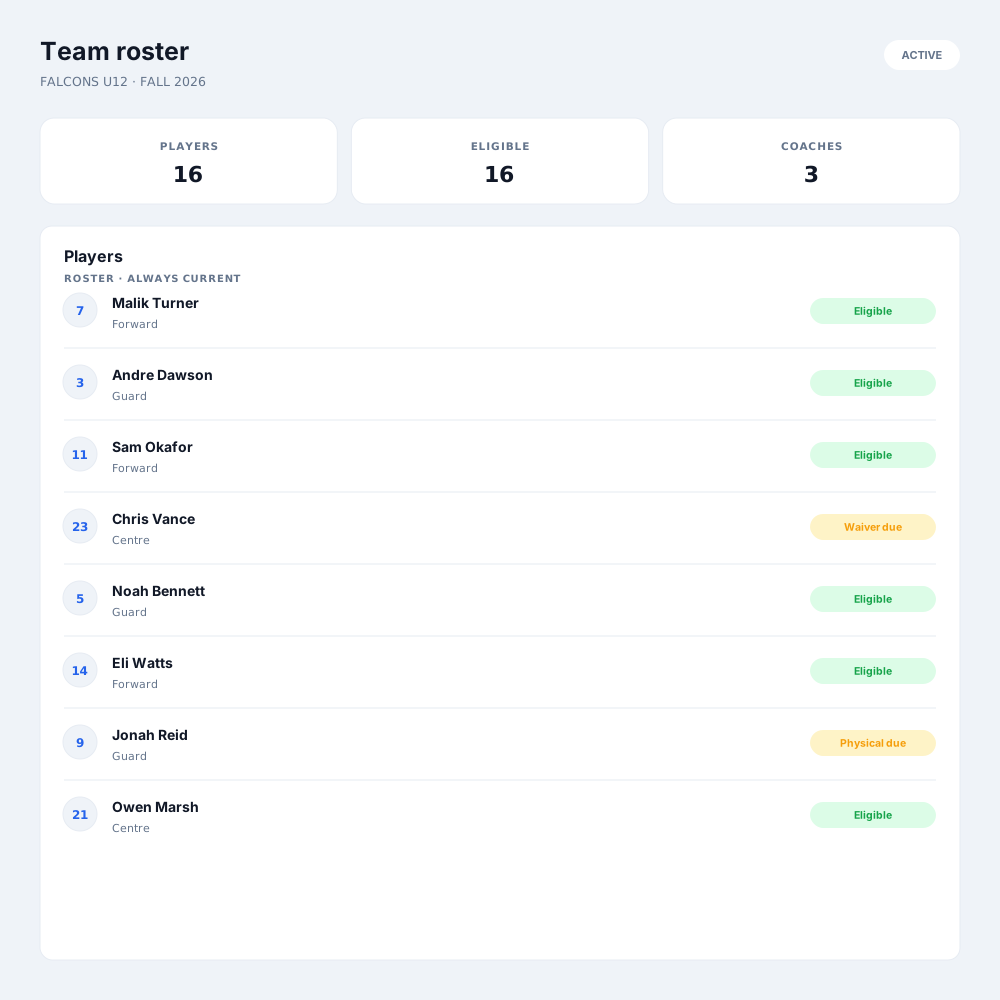
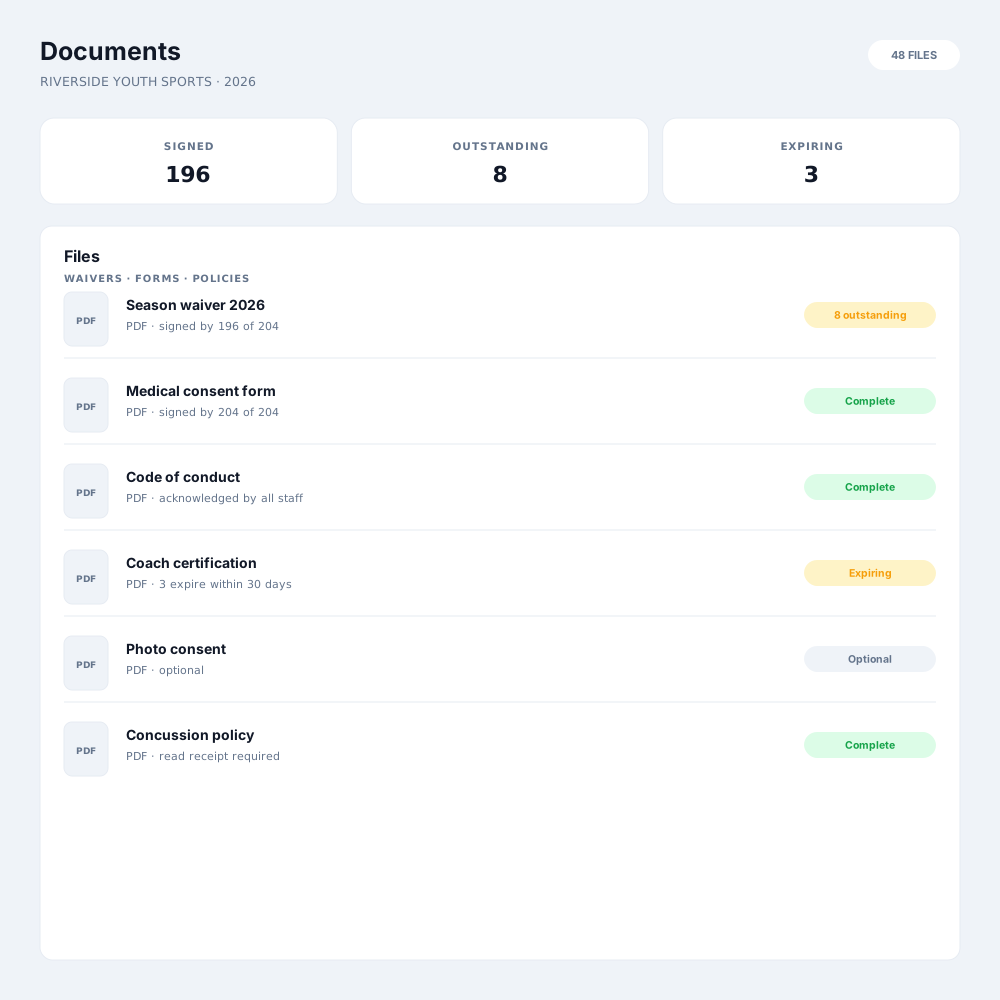
Track who is a player, a coach, a team manager or a volunteer, and keep eligibility clean alongside it. Required documents, waivers and age-group rules sit on the athlete’s record, so before a game you can see who is cleared to play instead of finding out afterwards that someone was not.
Coaches, players and parents see the current roster and contacts in the app — no group email with a PDF attached, no version confusion at the venue. What they see is what you set, limited to the teams they belong to, so contact details are available to the people who need them and nobody else.
A roster is not just a list of names — it is what game day, eligibility and communication all read from.
The roster becomes the game sheet, so the scorekeeper starts from the real line-up with jersey numbers and positions already filled in rather than typing names at the scorer’s table.
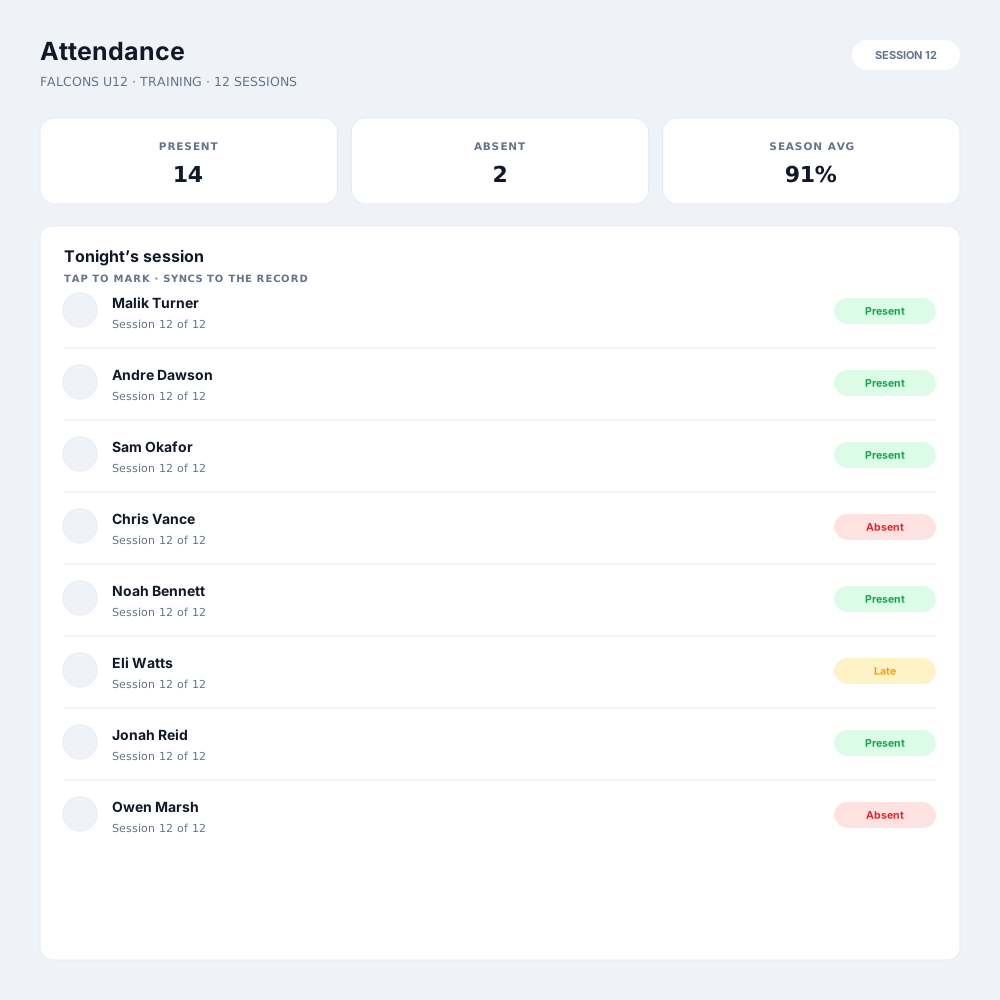
Take attendance against the roster at practices, games and camp sessions, and keep a record you can look back at when a question comes up about who was there.
Message a team and it reaches exactly the families on that roster today — including the player who joined this week and not the one who transferred out.
Rosters are kept per season, so a player’s history travels with them across years and divisions instead of being overwritten each time the season rolls over.
Most arrive from registration — a completed sign-up lands in the right program and division, and you place the athlete onto a team. You can also add a player directly when someone joins late.
Yes. An athlete can appear on multiple rosters — a club team and a school team, or a division side and a tournament squad — and their record stays single rather than being duplicated.
Required documents and waivers sit on the athlete’s record, so a roster shows who is cleared and who is still missing something. You see it before the game rather than after a result is disputed.
Only the staff and families you have given access to. Roles control what each person sees, so a coach has their own team’s contacts and a parent sees what you have chosen to share.
Move them to the new team and their history moves with them. Their past games, stats and documents stay attached to the athlete rather than to the roster they have left.
That is up to you. Permissions decide whether a coach can edit their roster or only view it, so an organization that wants central control keeps it and one that delegates can.
Register in minutes, or book a walkthrough and we'll tailor it to the way you already run things.