Only your org and invited staff log in here.
Players, parents, coaches & officials.
We support 30+ sports and keep adding more.

Most organizations run their season across three group chats, a mailing list and somebody’s personal phone. Private messages, team threads and group chats belong in the same app as the schedule, the roster and the scores — so a coach is not handing out their own number, and a parent is not missing the one message that mattered because it went to the wrong group.
Message one person, a whole team or a group you have put together for a purpose — the U12 coaches, the tournament volunteers, the travelling squad. Threads sit alongside everything else in the app, so a question about Saturday is asked next to Saturday’s fixture rather than in a separate chat app nobody checks.
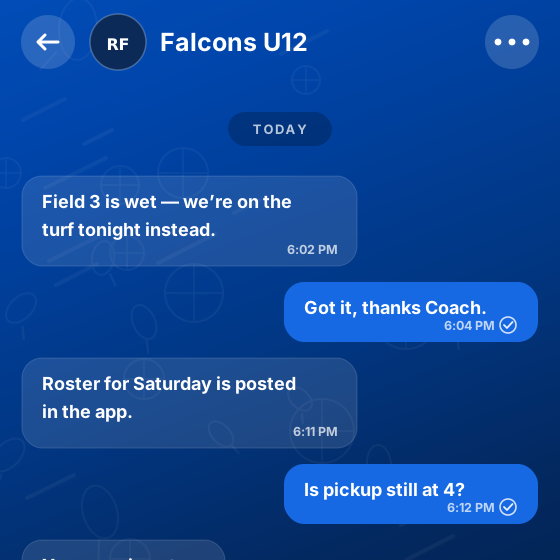
Conversations stay inside your organization. Staff do not have to hand out personal numbers to run a team, families are not added to a chat app you have no control over, and when someone leaves the organization their access to those threads goes with them. Roles decide who can start a conversation with whom.
It is in the app people already have for the schedule and the scores, so there is nothing extra to install and no separate login to remember. A message arrives with a notification on the same device that shows tomorrow’s kick-off time, which is why it actually gets read.
Most of a season’s communication is small, urgent and specific — which is exactly what a group email is worst at.
Arrival times, parking, which entrance, who is bringing what. Sent to the team that needs it on the morning it matters.
A pitch closes an hour before kick-off. The team thread reaches the families who are already in the car, rather than a notice on a website they will never open.
A quiet word about an injury, a missed session or a placement, kept private and kept inside the organization rather than on a personal phone.
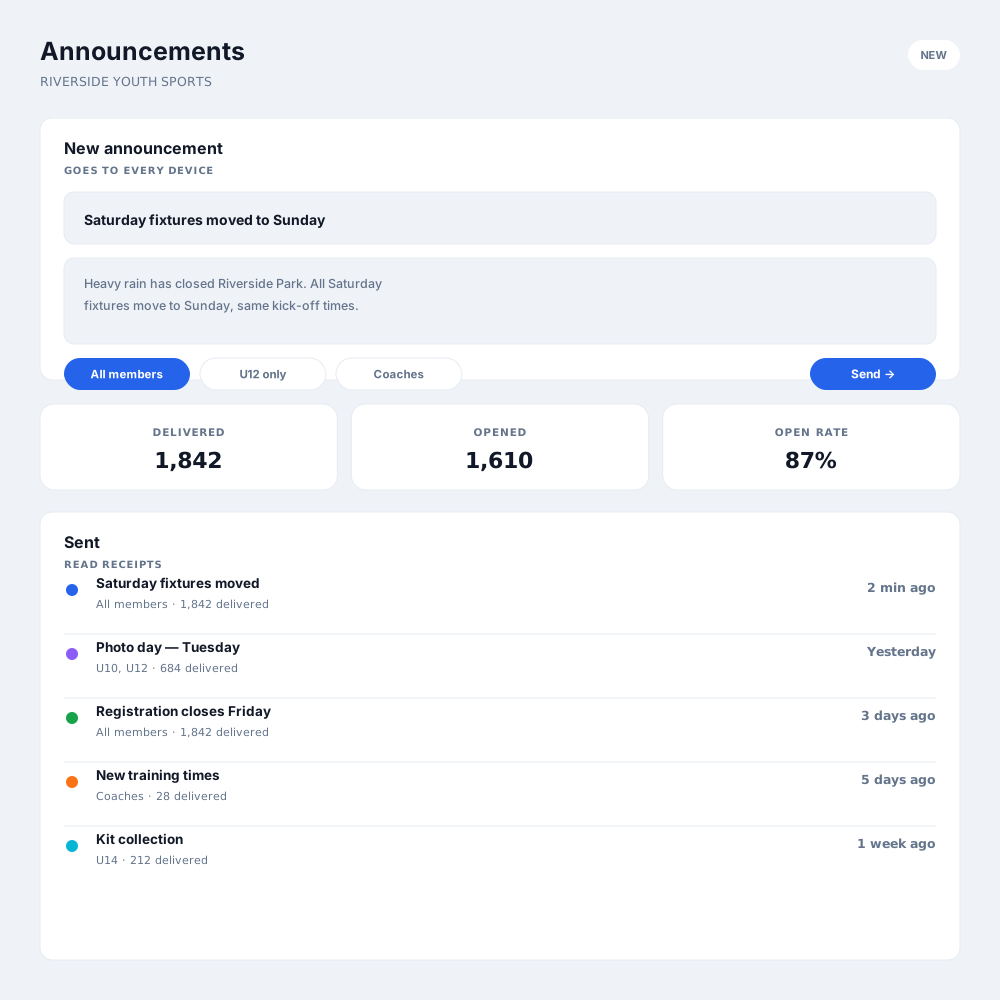
When something is for the whole club rather than one team, send it as an announcement and see that it was delivered.
No. Conversations happen inside Ligue, so staff can run a team without handing out a personal number, and access ends when someone leaves the organization.
Yes. Roles decide who can start which conversations, so an organization that wants coach-to-parent contact to go through a manager can set it up that way.
Yes. It is in the same app as the schedule, the rosters and the live scores, so there is nothing extra to install and one place to check.
Messaging is a conversation — someone can reply. An announcement is a broadcast to a group you choose, with delivery and read figures, for the times you need to tell rather than discuss.
That depends on how you set it up. Group threads can include families where that is useful, and you can keep communication one-directional where it is not.
Yes, on the device they already use for the schedule and the scores — which is the main reason a message about a rained-off game actually reaches people in time.
Register in minutes, or book a walkthrough and we'll tailor it to the way you already run things.